
Welcome to Bitesized Brightspace Resources for Staff
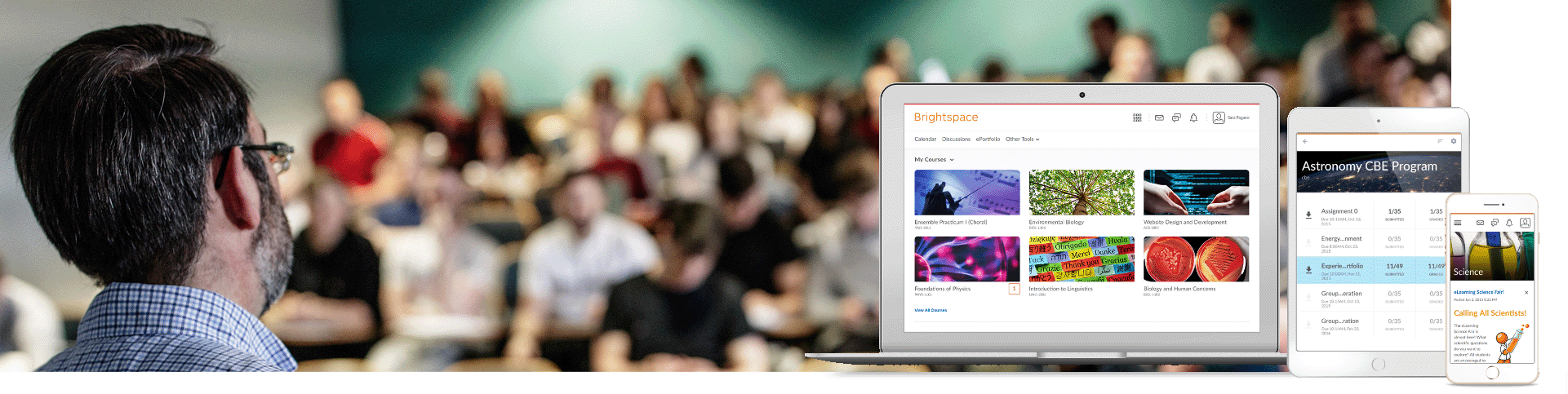
- The Bitesized Brightspace Resources have been developed and designed to support and guide staff with using Brightspace as a virtual learning environment
- Each resource is designed to be worked through independently but many are also offered as live online workshops.
- Recommended pathway - Brightspace 1, 2, 2A and 3 should be taken in that order
- You can view the entire list of Brightspace resources or select a 'Category'
- You can also use the 'Search' bar to search for a particular area of interest
To clear any filter in a column, select the header in the drop down, or click the 'Reset' button on the right.
| Resource | Category | Format | Description |
|---|---|---|---|
| VLE Baseline Checklist | Checklist | Guide | The TU Dublin VLE checklist is a set of 'good practice' recommendations for the design and management of modules in TU Dublin's virtual learning environments (VLEs) |
| VLE Baseline Checklist Plus | Checklist | Guide | VLE Baseline Plus builds on the Baseline checklist to guide the further development of modules in ways that encourage student engagement and enhance the learning experience. |
| Release Conditions | Module Activation | Sway | About Release Conditions |
| Brightspace Releasing Assessments Essential Checklist | Module Activation | Guide | This covers, how to make quiz / or assignments visible or not to students. How to preview your quiz / or assignment as a student. Checking key settings on quizzes / or assignments. Granting special access to students. Checking class enrolments. |
| Copy Existing Content into a new shell | Brightspace Basics | Video | This Video describes the process to copy content from a course into a an empty shell for the new academic year. |
| Brightspace 1: The Basics | Brightspace Basics | Guide | The Brightspace 1: The Basics resource provides an overview of what Brightspace can be used for; how to login; how to navigate Brightspace, how to get access to the modules you need. After working your way through this resource you will have an understanding of what you need to do to use Brightspace to support your teaching. |
| Building your module from Scratch part 1 | Module Creation | Sway | This resource will show you how to structure your module and add content. After implementing the knowledge in this resource you will have a module which you can start using with your students. |
| Building your module from scratch part 2 | Module Creation | Sway | This resource will show you how to structure your module and add content. After implementing the knowledge in this resource you will have a module which you can start using with your students. |
| Bs11: Viewing and Understanding Brightspace Data | Brightspace Basics | Guide | This resource provides guidance on viewing and understanding Brightspace data. After working your way through this resource you will have the knowledge necessary to monitor class progress, use the module overview widget, understand various module level reports and track student engagement. |
| Assignments | Assignments Tool | Sway | This page explains the main settings and features in the Assignments section. |
| Editing Assessments | Assignments Tool | Sway | The text editor in Brightspace has the same functionality in Assignments, Quizzes and Discussions. |
| Video Assignment | Video Assignment | Sway | A guide on how to use Video Assignments in Brightspace |
| Grading submissions and adding feedback in Assignments | Assignments Tool | Video | This resource provides an overview of the Brightspace how to attach a grade item; how to assess and Assignment and provide feedback. After working your way through this resource you will have an understanding of how to use the Assignments tool to support assessment and feedback processes within your module. |
| Groups - Create a Group | Groups Tool | Video | This resource provides an overview of the Brightspace Group tools including: how to create a group work area for students; how to set up a group Assignment; how to set up group discussion fora; how to set restrictions for a group Assignment. |
| Brightspace Releasing Assessments Essential Checklist | Checklist | Guide | This covers, making sure your students can see the assignment / quiz, key settings in your quiz, key settings in your assignment, how to set Special Access, and more. |
| Rubrics | Rubrics | Sway | Rubrics Overview |
| Rubric - Create & edit | Rubrics | Video | How to create and edit a Rubric |
| Grades Tool - Entering grades P1 | Gradebook | Video | This video is Part 1 of 2, describing how instructors can enter grades using the Grades Tool in Brightspace. |
| Grades Tool - Entering grades P2 | Gradebook | Video | This video is Part 2 of 2, describing how instructors can enter grades using the Grades Tool in Brightspace. |
| Turnitin | Turnitin | Sway | Information on how to use Turnitin |
| How to enable Turnitin for assignments in Brightspace | Turnitin | Guide | Learn how to enable TurnItIn for an assignment in Brightspace |
| Create an Assignment with Turnitin Enabled | Turnitin | Video | This tutorial shows how to edit an assignment, enable the TurnItIn integration, and configure the Originality Check functionality. |
| Quizzes | Quiz Tool | Sway | Using Quizzes on Brightspace is a powerful tool. |
| Quiz Question Types | Quiz Question Types | Sway | Guide to the different type of quiz questions in Brightspace |
| Getting Started with Brighhttps | Brightspace Basics | Sway | This covers logging in to Brightspace and navigate its interface, get started with your modules. |
| Importing content into your Brightspace modules | Module Content Import | Sway | This Sway covers importing Content Into Your Brightspace Modules |
| Classlist Overview | Classlist | Video | This Video explains how to use the classlist tool |
| Bongo: Help Center | Bongo | Web site | This link will take you to the Bongo Help center. Where you can learn all you need about Bongo |
| Bongo: Virtual Classroom | Bongo | Web site | Discover how to uew the webconferencing tool & all the usefull features it offers. |
| Creating Teams Meetings in Brightspace | Teams | Guide | After working your way through this resource you will have an understanding of what you need to do to enable Teams within Brightspace to support your teaching. |
| Create an Intelligent Agent | Intelligent Agents | Video | Use intelligent agents to monitor login activity, course activity, and release conditions in your course. This tutorial shows how to create an intelligent agent |
| Create a Group | Groups | Video | Use Groups to design special work areas where learners can discuss, share, and submit work as a group.This tutorial shows how to create groups in your course in Brightspace Learning Environment |
| ScreenPal | ScreenPal | Web site | Tips and hints for creating ScreenPal videos |