Brightspace FAQs for students
Support and Guidance for Using Brightspace
These FAQs are designed to answer the most common Brightspace-related questions for new students at TU Dublin.
-
View the Brightspace FAQs below by clicking on any question
- Log into Brightspace
- Email: your full TU Dublin email address (example: C12345678@mytudublin.ie)
- Password: same as your TU Dublin email password)
- Recommended browsers - Edge, Chrome, Firefox, Safari
Login Issues
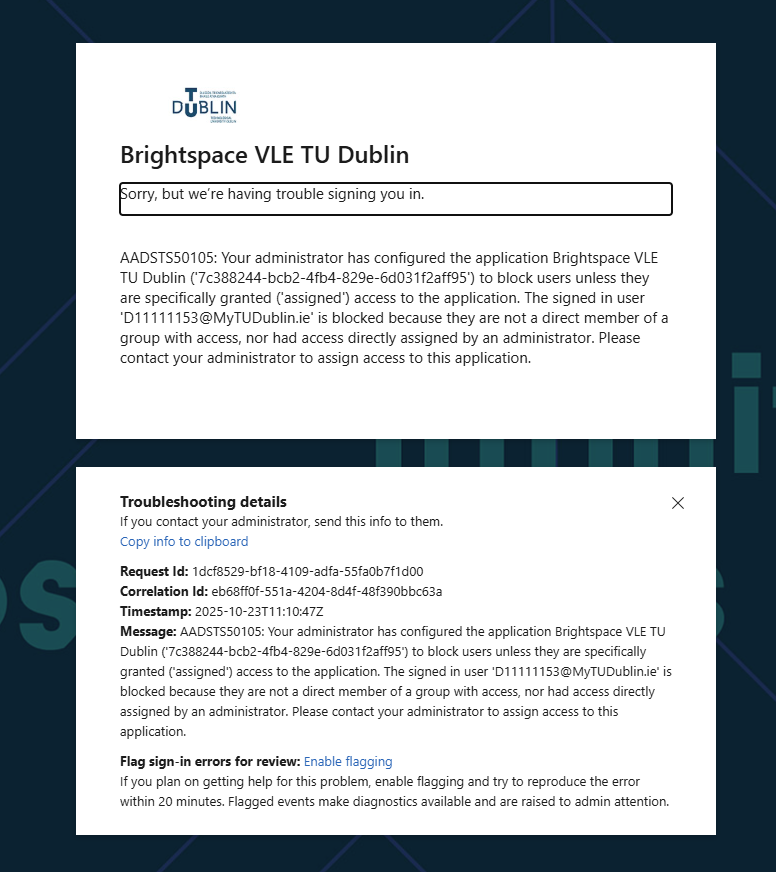
- If the following is displayed

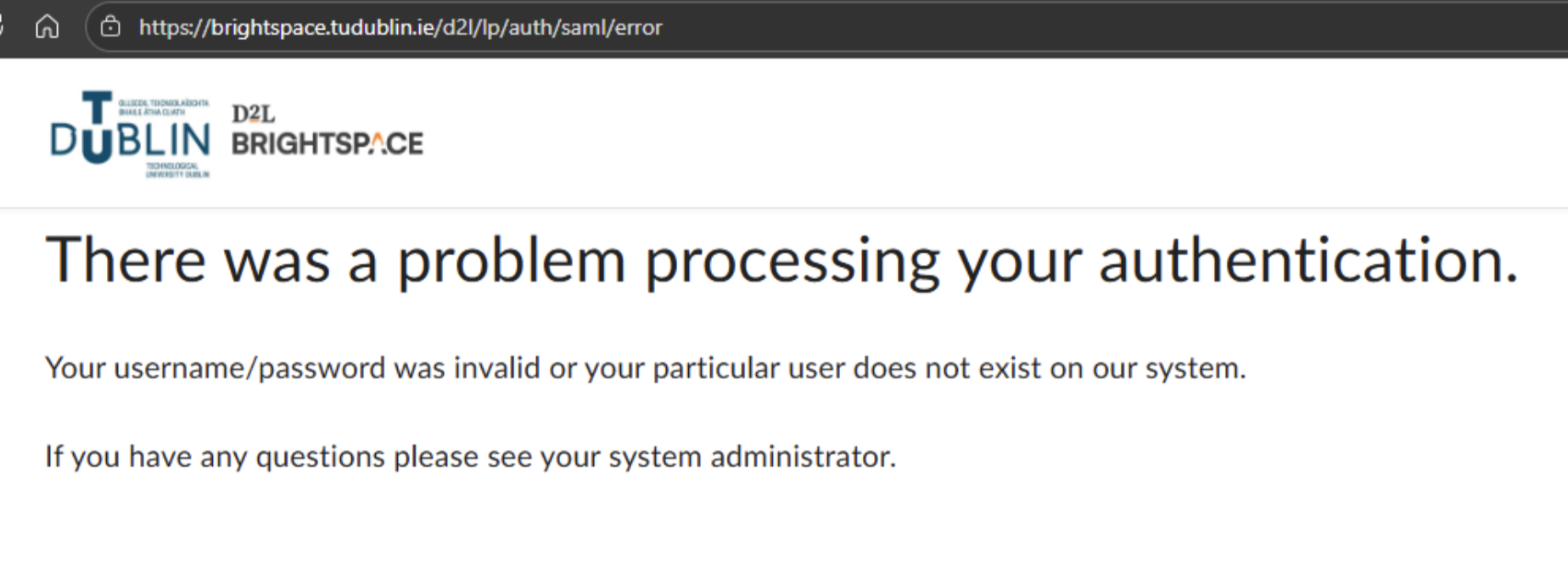
Contact the ICT Service Desk directly itsupport@tudublin.ie or phone 01 2205123 or log a ticket directly via their self-service desk for a speedy response. - If you see the following error.
Log your query via the online support form and someone from the VLE Team will be in touch.
- The new system will require you to choose and register for your modules at the start of the academic year
- From the choices you have made you will automatically be attached to your required Modules.
- Please view the following tutorial video How to Register on Modules
- The new system will require you to choose and register for your modules at the start of the academic year
- From the choices you have made you will automatically be attached to your required Modules.
- Please view the following tutorial video How to Register on Modules
If you are seeing a greyed‑out module in your “My Modules” list, it is usually due to:
The module start date has not been set by the lecturer yet.
- The lecturer must set the appropriate start date to allow students to access the module.
You need to check this with the Lecturer.
- Please watch the tutorial video How to Register on Modules. which contains instructions on how to unenrol from modules.
-
Before unenrolling from a module, you must consult your lecturer to ensure that you do not accidentally remove yourself from a module that is being used as part of your programme of study..
Here is a video to show you Navigate Brightspace Pulse
- Virtual-Classroom guide explains how you can use the interactive classroom in Brightspace called Bongo
Remember: If you need advice on using other functionality in Brightspace view our student user guides
- Yes, we have developed TU Dublin Brightspace guides for students.
- These guides cover many areas such as, How to access Brightspace, How to enrol on modules, How navigate your modules, taking quizzes, submitting assignments, using Bongo virtual classroom and much more!
For the very latest Brightspace guides
- You can also view the official Brightspace community website for learner guides and more.