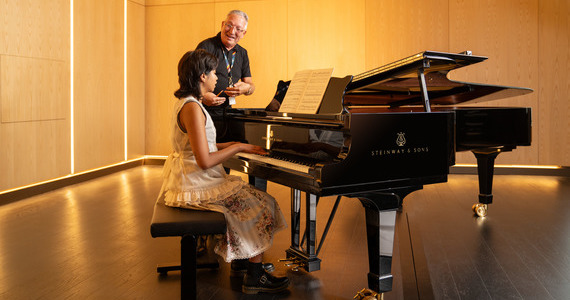
Feature Box
Feature Box 4 Image
A 4 Feature Box contains an image, optional group heading, caption, and internal or external link.
- Panel Background Colours (White or Grey) can be added.
- Feature box (4) can be displayed in two different ways - Gallery Grid (1-4 per row) or Gallery Slider (4+) format.
- A minimum of 4 feature boxes must be uploaded
- Image Size: 310 x 310 pixels
Gallery Type
Gallery Grid
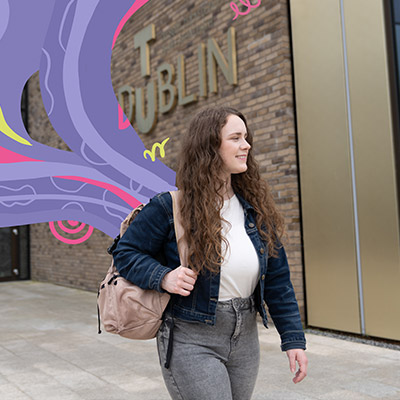



Gallery Slider (4+ Images)

Feature Box 3 Image
The 3 Feature Box component displays an image with an optional group heading, caption, and an internal or external link.
Key features
- Optional group heading
- Caption can be added or left blank
- Supports internal and external links
- Panel background colour options: White or Grey
- Displayed in a Gallery Grid (3 feature boxes per row)
- A minimum of 3 feature boxes is required
Image guidance
- Optimal image size: 380 × 200 pixels
- Larger images can be uploaded and will be automatically cropped from the middle and resized to fit the component layout
Feature Box 3 Image (With Caption)
Feature Box 3 Image (No Caption)

Feature Box 2 Image
A 2 Feature Box contains an image, optional group heading, caption, and internal or external link.
- Panel Background Colours (White or Grey) can be added.
- Feature box 2 can be displayed in a Gallery Grid (2 per row).
- A minimum of 2 feature boxes must be uploaded
- Captions can be added or left blank
- Image Size: 570 x 300 pixels
Feature Box 2 Image (No Caption)